
A few days ago I decided I really wanted a shirt that said “All the Coffee”. Luckily, I own a Cricut Vinyl Cutting Machine. So within minutes (because I had a blank tank top in my craft supplies), I had a new coffee-lovin’ tank top.
Wanna know how crazy-easy it was? Read on my dear, read on.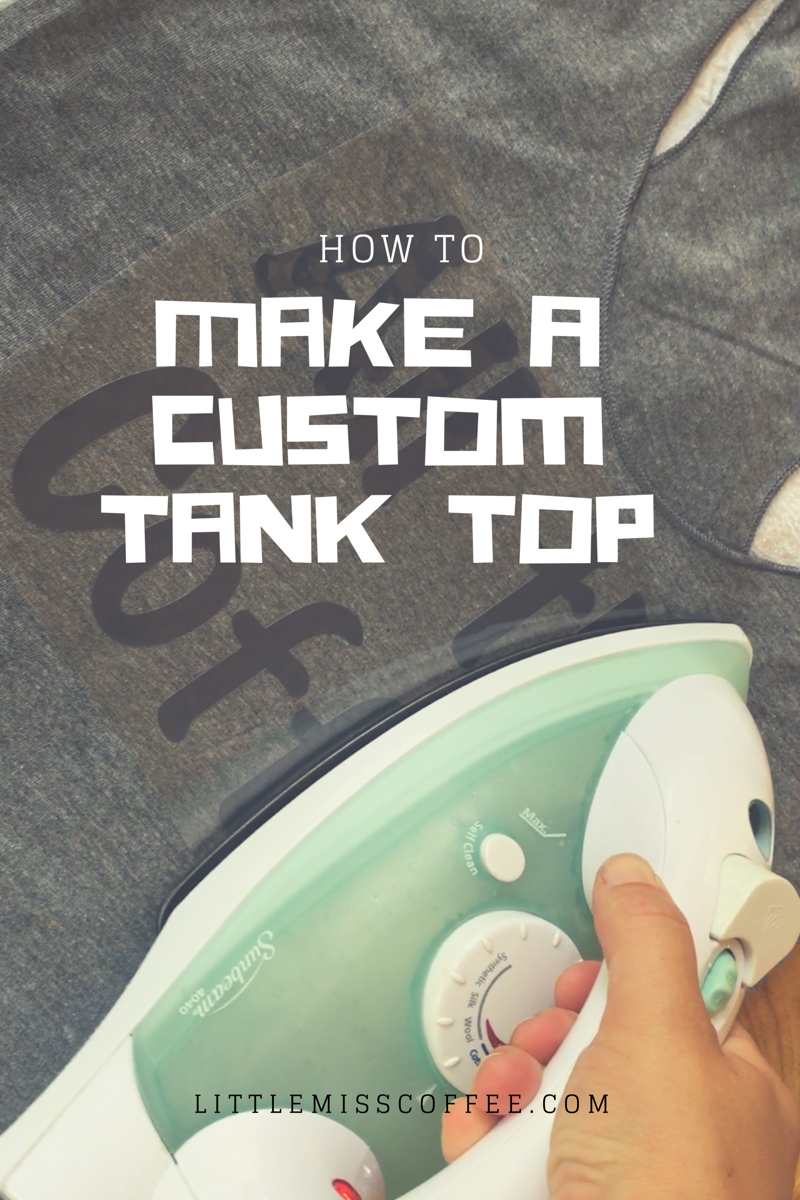
To get started you will need a few things:
- A Cricut vinyl cutting machine
- The free Cricut design app or designer program
- Cricut Iron-On vinyl
- A blank shirt
- An Exacto knife
- Cricut cutting mat
Now you’re ready to get started!
You can either watch this short 2-minute video or read on for instructions.
1.) First, open the design program or app and design what your shirt will say.

2.) Turn on your Cricut machine. Line up the Iron-On vinyl (shiny side down) onto Cricut cutting mat. Load mat into machine. Be sure setting on machine is turned to “Iron-On”.


3.) Press “Start” and let the cutter do its thing.


4.) when Cricut cutting is done, unload paper. Cut off excess paper so it can be used at another time.

5.) Set paper on shirt to be sure it will fit correctly.

6.) Remove or “weed” off excess vinyl around letters by pulling the vinyl away from shiny plastic at corner, and work around each letter.

7.) “Weed” out the excess vinyl from the middle of letters like ‘A’s and ‘O’s with an Exacto knife.

8.) Set remaining plastic and letters on shirt; center and line up. Be sure clear plastic is on top, vinyl letters on bottom against shirt.

9. Iron over plastic, slowly, for 30 seconds to 1 minute.

10.) Remove plastic.

11.) Enjoy your new shirt!

 Little Miss Coffee